

How File Compression Works: ZIP Files, Lossless vs Lossy, and Why Some Files Won't Shrink
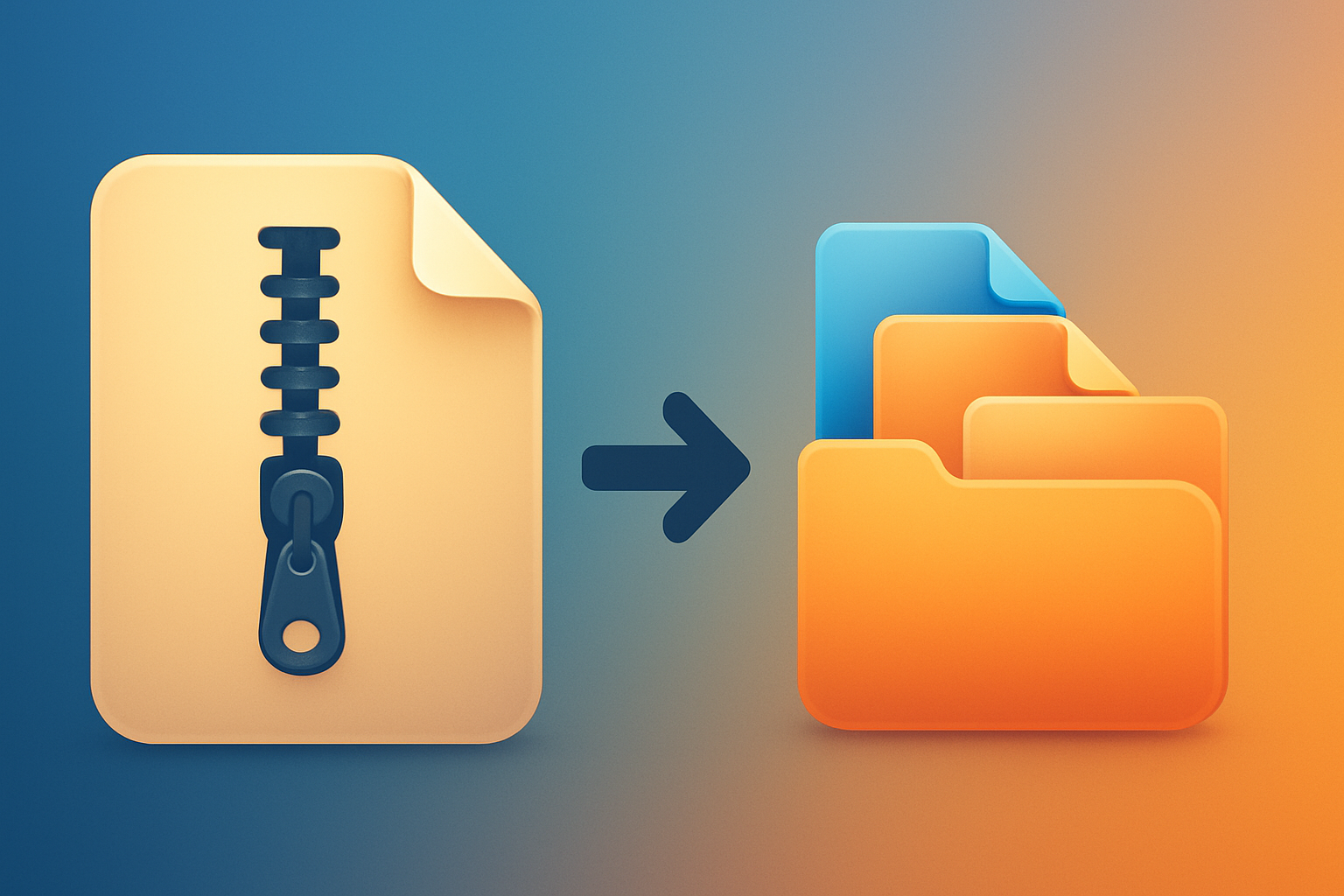
File compression rewrites data so it takes fewer bits, mostly by finding repetition and describing it once instead of many times. ZIP is lossless — every original byte comes back exactly — which is also why zipping an MP4 or a JPEG barely shrinks it.
That sentence answers most of what people actually want to know. The rest of this guide covers the specifics, in the order people ask them.
Quick answers
| Question | Short answer |
|---|---|
| Are ZIP files lossless? | Yes. Unzipping returns the original bytes exactly, every time. |
| Are compressed files always smaller? | No. Text shrinks a lot; video, photos and audio barely move. |
| Can you zip a ZIP file? | Yes, but it won't help. The repetition is already gone. |
| Why is my compressed file the same size? | The content was already compressed — JPEG, MP4, MP3, PDF. |
| Does compression lose quality? | Not with ZIP. Only lossy formats like JPEG and MP3 discard data. |
| What does "compress a file" mean? | Re-encoding it to occupy less space, reversibly. |
What Compression Actually Does
Imagine a file containing the word "seedbox" repeated a thousand times. Stored plainly that's about 7,000 characters. But you could instead write: "the word 'seedbox', one thousand times" — a few dozen characters that reconstruct the original perfectly.
That's the whole idea. Compression finds patterns and stores a shorter description of them.
Real files aren't that tidy, so real algorithms work at a finer grain — spotting that a sequence of bytes appeared 200 bytes ago and storing a short back-reference instead of the bytes themselves. The more a file repeats itself, the more there is to find.
This leads directly to the rule that explains almost every surprising result:
Compression removes redundancy. A file with no redundancy left cannot be compressed further.
Lossless vs Lossy: The Distinction That Matters
These are two genuinely different operations that both get called "compression."
Lossless compression is reversible. Every bit comes back. ZIP, 7z, RAR, GZIP, FLAC and PNG are lossless. You use it when the exact data matters — documents, code, archives, backups, anything executable.
Lossy compression throws information away permanently, choosing things human senses barely register. JPEG discards fine colour detail; MP3 discards frequencies masked by louder ones; H.264 stores only what changed between video frames. You use it when a perfect copy isn't worth the bytes.
The practical consequence: a lossy file is already squeezed dry. By the time a JPEG reaches your disk, its redundancy has been deliberately removed. That's why the next section surprises people.
Why Some Files Won't Shrink
Typical results from zipping different content:
| File type | Typical ZIP saving | Why |
|---|---|---|
| Plain text, logs, CSV | 70–90% | Enormously repetitive — words, spaces, formatting |
| Source code | 60–80% | Repeated keywords, indentation, names |
| Databases, XML, JSON | 50–80% | Structural tags repeat constantly |
| Uncompressed audio (WAV) | 30–50% | Some redundancy in the waveform |
| PDF documents | 5–20% | Usually compressed internally already |
| JPEG, PNG images | 0–5% | Already compressed |
| MP4, MKV video | 0–2% | Already heavily compressed |
| MP3, AAC audio | 0–2% | Already lossy-compressed |
This is why zipping a folder of holiday photos to email them saves almost nothing, while zipping a folder of log files can cut it by 90%.
It also answers the question people ask most often: if your compressed file is the same size as the original, the content was already compressed. Nothing is broken.
Can You Compress an Already-Compressed File?
Yes — nothing stops you. ZIP a ZIP, and you get a valid ZIP containing a ZIP.
You just won't gain anything, and you may lose a little. The first pass already eliminated the repetition, and the second pass adds its own headers and metadata, so double-zipping usually makes the file marginally larger.
There is one legitimate reason to do it anyway: bundling. Wrapping twenty ZIPs in one ZIP is about having a single file to move, not about size. That's a valid use — just don't expect savings.
How a ZIP File Is Built
ZIP is a container format as much as a compression format. Inside, it holds:
- Each file, compressed separately — usually with an algorithm called DEFLATE, which combines back-references to repeated sequences with shorter codes for common bytes.
- A local header per file — name, size before and after, timestamp, and a CRC-32 checksum.
- A central directory at the end — the index listing everything in the archive.
Two useful consequences follow from that design:
You can extract one file without unpacking the archive. The directory says where each entry starts, so your software jumps straight there. That's why previewing a single document inside a large ZIP is instant.
Each file carries its own checksum. The CRC-32 is why extraction tools can tell you an archive is corrupt rather than silently handing you a damaged file.
It also explains a limitation: because entries are compressed independently, ZIP can't exploit redundancy between files. A hundred near-identical documents compress far better in formats that treat the whole set as one stream — which is exactly what 7z and tar.gz do, and why they often beat ZIP on large collections.
Choosing a Format
| Format | Best for | Trade-off |
|---|---|---|
| ZIP | Sharing, compatibility | Opens everywhere; weakest ratio |
| 7z | Maximum compression | Best ratio; slower, needs software |
| tar.gz | Linux, servers, backups | Compresses the whole set together |
| RAR | Large split archives | Proprietary; creating it isn't free |
For most people, ZIP is the right default for one reason that outweighs ratio: every operating system opens it without installing anything. An archive nobody can open is worthless, however small it is.
Compression on a Seedbox
Compression matters more on a server than on a laptop, for a reason that isn't obvious: the bottleneck is the transfer, not the disk.
If you've got a folder of 4,000 subtitle files and configuration text totalling 800 MB, transferring it as-is means 4,000 separate transfers, each with its own overhead. Compressed into a single ZIP it might be 90 MB and one transfer — often ten times faster, mostly from eliminating per-file overhead rather than the size reduction.
The inverse is equally worth knowing. Zipping a 40 GB video library before downloading it wastes time on both ends — you'll spend an hour compressing, save perhaps 200 MB, then spend another hour extracting. Move media files directly.
A practical rule: compress folders with many small files; move large media files as they are.
On SonicBit you can create an archive from any My Drive folder and the work happens on the server, so your own machine isn't tied up. It's most useful exactly where you'd expect — collapsing thousands of small files into one download.
Frequently Asked Questions
Are ZIP files lossless? Yes. ZIP is entirely lossless — extraction returns the original bytes, verified by a CRC-32 checksum on every entry. Quality loss only happens in lossy formats such as JPEG, MP3 and MP4.
Are compressed files always smaller than the original? No. Highly repetitive content like text shrinks dramatically. Already-compressed content — video, photos, music — barely changes, and may end up a few kilobytes larger once archive headers are added.
What does it mean to compress a file? Re-encoding it so it occupies less storage, in a way you can reverse to get the original back.
Why is my ZIP the same size as the original folder? The contents were already compressed. A folder of MP4s or JPEGs has almost no redundancy left to remove.
Can a ZIP file be compressed further? Practically, no. You can zip it again and it will remain roughly the same size or grow slightly. Bundling is a valid reason to do it; saving space is not.
Does compressing files damage them? No. Lossless compression is mathematically reversible, and the checksum detects corruption during extraction.
What are the benefits of zipping files? Three, in order of usefulness: one file instead of thousands, smaller transfers for text-like content, and a built-in integrity check.
Is 7z better than ZIP? It compresses better, especially across many similar files, because it treats them as one stream. ZIP wins on universal compatibility. Choose by whether the recipient can open it.
The Short Version
Compression finds repetition and describes it more briefly. Lossless formats like ZIP give everything back; lossy formats like JPEG and MP3 trade detail for size permanently. Files that are already compressed have no redundancy left, so they won't shrink — and that's the expected result, not a failure.
Compress folders of small files. Move large media as-is. And when a ZIP saves you nothing, you now know exactly why.
Put it into practice — cloud storage with one-click apps and a built-in seedbox.
START FREE — 4 GB