All guides
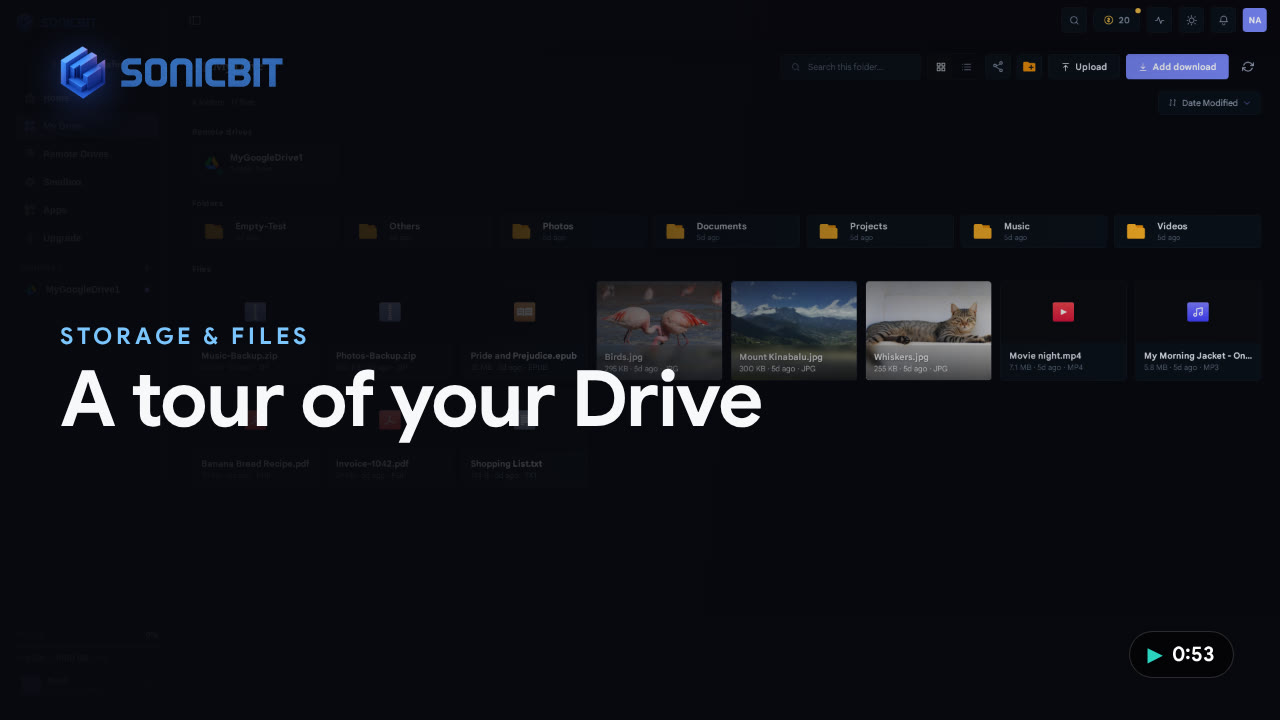
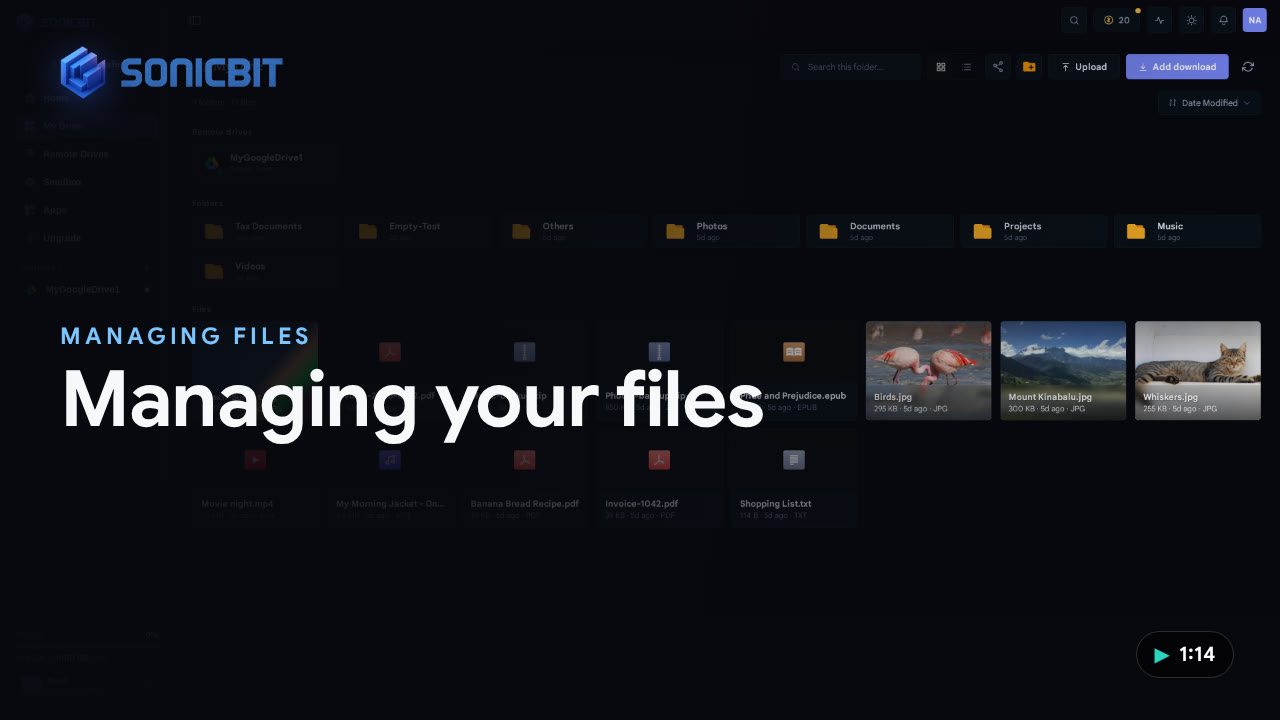
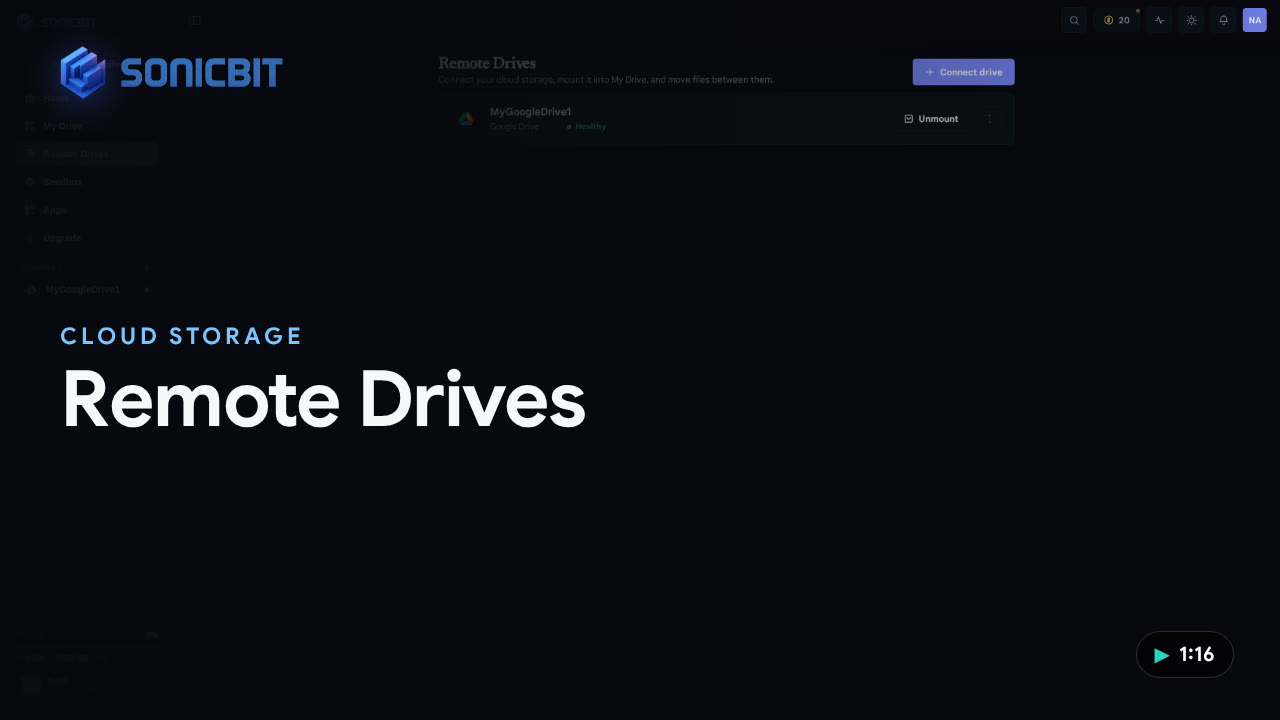
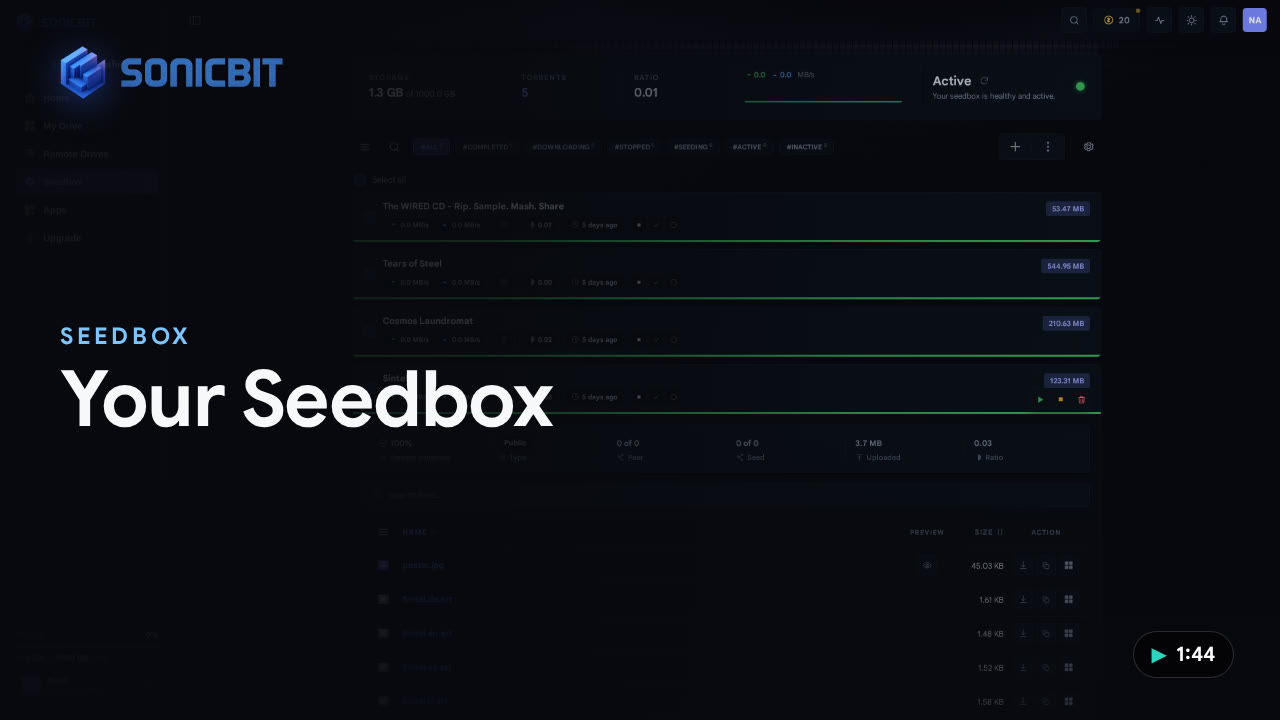
Your account settingsA tour of the My account modal — plan & renewal, storage, SonicCoins, personal details, password & 2FA, login activity, email notifications, coupons and billing.1:03Install & manage AppsWhat Apps are, how to browse the store, install an app in one click (slots, no coins), and manage everything under My Apps — start, stop, open, or remove.1:41A quick tour of your dashboardA short walkthrough of your SonicBit Home — the command bar, download mode, status line, storage breakdown, active transfers and recent files.1:27A tour of your DriveHow My Drive works — open folders, use the breadcrumb, search instantly, switch between grid and list view, and see your mounted cloud drives alongside your files.0:53Managing your filesEvery file operation in My Drive — create a folder, upload, rename, copy, move, drag & drop, open a folder, and delete.1:14Connect & manage Remote DrivesConnect cloud storage like Google Drive, OneDrive or MEGA, mount it into My Drive, switch between drives, move files between them, and manage each one.1:16A tour of your SeedboxHow your always-on Seedbox works — add downloads by magnet or torrent, search, filter and sort, open a torrent to its files, start/stop/remove, act in bulk, and fine-tune settings.1:44Welcome to SonicBit — a first tourYour day-one walkthrough — signing in, the sidebar and top bar, then a tour across Home, your Seedbox, My Drive, Remote Drives and Apps.2:09 

 Sign inGet 4 GB free